The photo booth for weddings, birthdays and office parties
Turn your tablet into a photo booth
Guests take the photos themselves. Each one appears on the big screen straight away, and everyone gets the album on their phone.
- Free to try
- No card needed
- No app to install
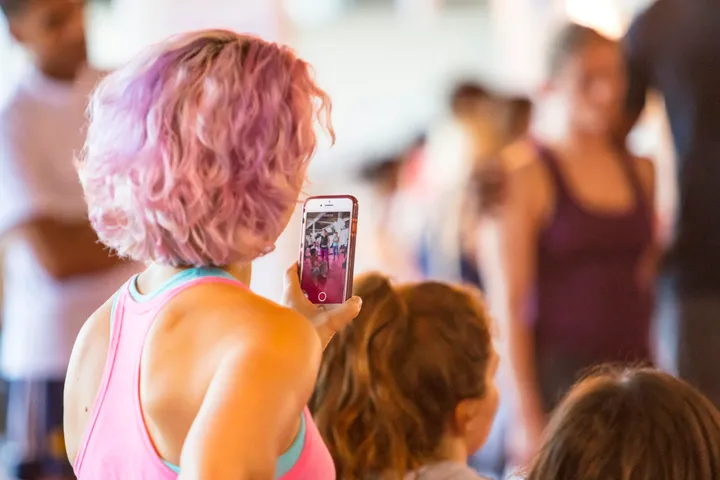




How it works
- 1
Set up the tablet
Put the tablet on a stand at chest height, ideally in front of a ring light, and open the booth in the browser.
- 2
Guests take the photos
One big button, a countdown and a flash. A single photo, a collage or a boomerang.
- 3
Everyone sees them
The photos appear on the big screen during the party, and in an album guests open with a QR code.
Three ways to shoot
Guests choose on the screen. Everything ends up on the wall and in the album.

One photo
The classic. On the wall in a moment.

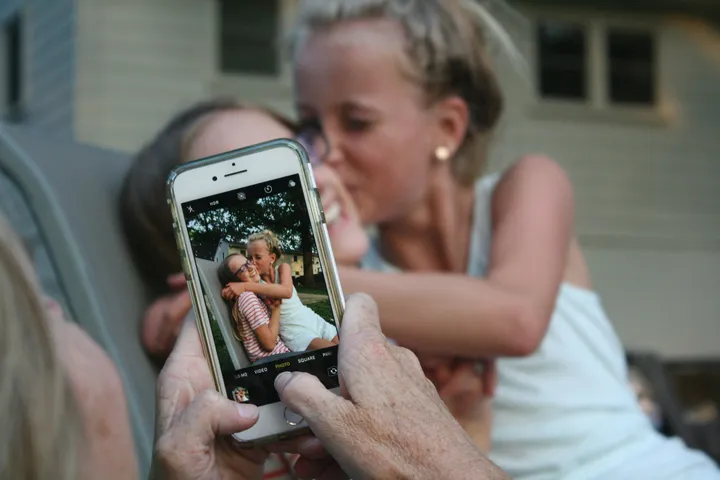
Collage
Four shots on a tablet, three on a phone — one picture. Someone’s blinking in at least one.
Boomerang
A loop that goes out and comes back. Guests love these.
This is what the night looks like
Guests take the photos, the big screen fills up, and everyone goes home with the album. Start a real photo booth now and try it with your own phone.
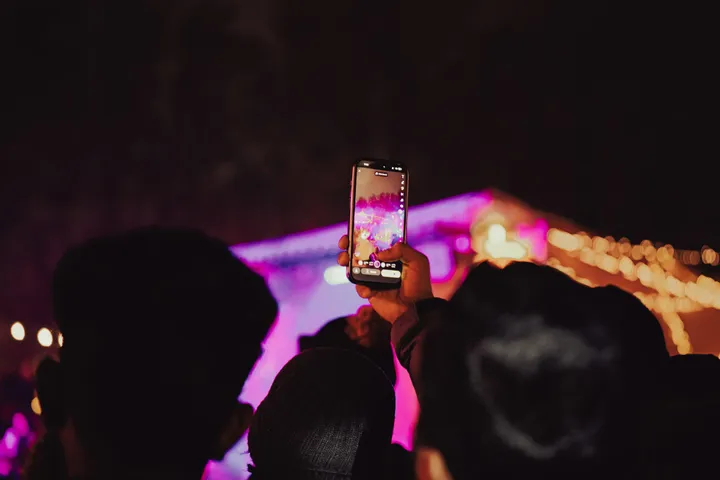

Guests press the big button.
What you need
The booth is a tablet on a stand, ideally in front of a ring light, somewhere guests walk past. There is no app to install and nothing to print.
Before you decide
- What a photo booth costsHiring one, building your own, or running it in a browser, side by side.
- What a virtual photo booth isHow an evening goes, what you need, and what it does not do.
- Building a photo booth yourselfA kit list, and where homemade booths usually go wrong.
- Rent one or build one?A quick way to choose, and what hiring gives that we do not.
Try it before the party
Set up a booth now and take a few test photos. It is free, and you need no card.